|
|
A Network sniffer for Windows
Network Sniffer SoftPerfect Network Protocol Analyzer is an advanced, professional tool for analyzing, debugging, maintaining and monitoring local networks and Internet connections. It captures the data passing through your dial-up connection or network Ethernet card, analyzes this data and then represents it in an easily readable form. SoftPerfect Network Protocol Analyzer is a useful tool for network administrators, security specialists, network application developers and anyone who needs a comprehensive picture of the traffic passing through their network connection or segment of a local area network.
SoftPerfect Network Protocol Analyzer presents the results of its network analysis in a convenient and easily understandable format. It also allows you to defragment and reassemble network packets into streams. The program can easily analyze network traffic based on a number of different Internet protocols as listed below.
SoftPerfect Network Protocol Analyzer features full decoding of the following low level protocols: AH, ARP, ESP, ICMP, ICMPv6, IP, IPv6, IPX, LLC, MSG, REVARP, RIP, SAP, SER, SNAP, SPX, TCP and UDP. It also performs full reconstruction of top-level protocols such as HTTP, SMTP, POP, IMAP, FTP, TELNET and others.
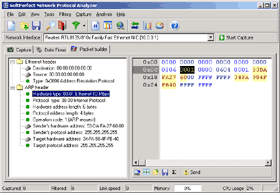
The flexible system of fully configurable filters can be used to discard all network traffic except the specific traffic patterns you wish to analyze. SoftPerfect Network Protocol Analyzer also has a special packet builder. This tool allows you to build your own custom network packets and send them into the network. You could use this packet builder feature to check your network for robustness against attacks and intruders.
The software requires Windows 95/98/ME/NT/2000/XP. It also requires a network connection which could be a wireless connection or a modem that conforms to the NDIS standard.
Main features
This network sniffer can work in promiscuous mode to capture all network packets.
This network sniffer decodes packets and displays them in an easy to read format.
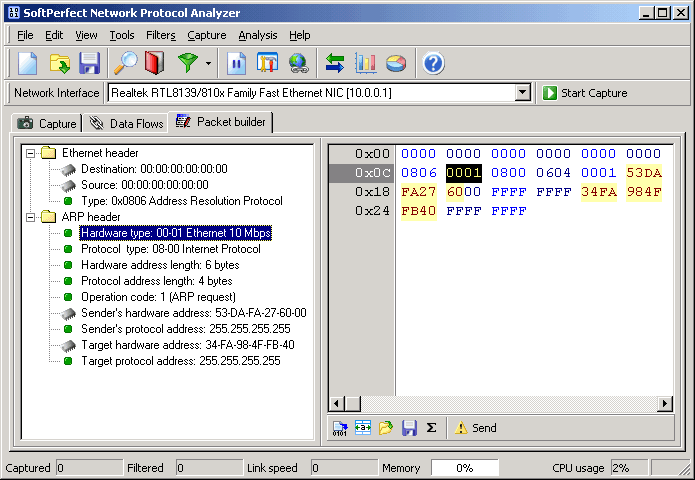
This network sniffer can build custom packets and send them into the network.
This network sniffer has a flexible system of traffic filtering. The filters can be inclusive or exclusive.
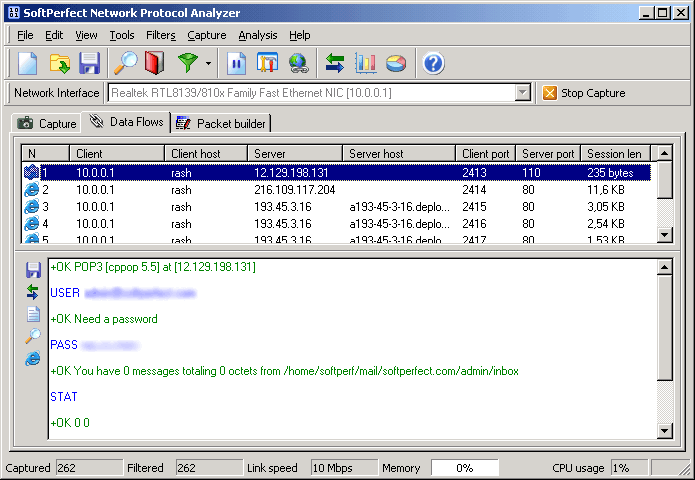
This network sniffer can reconstruct packets into flows so you can easily see a complete data exchange following the Telnet, POP3, SMTP, IMAP, FTP, HTTP and other protocols.
This network sniffer is easy to install and requires no reboot. It doesn't change your Windows system files and doesn't require any additional libraries (dlls).
Screenshots
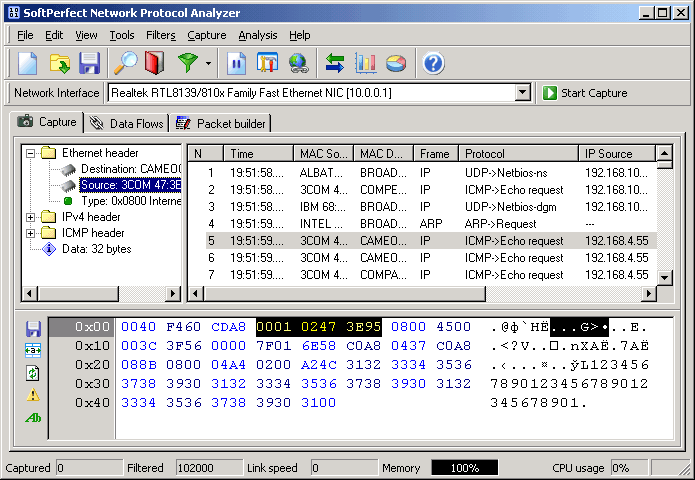
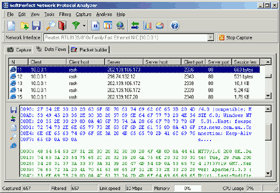
The capture and data flows windows. Click to enlarge!
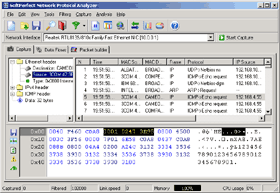
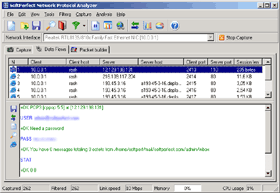
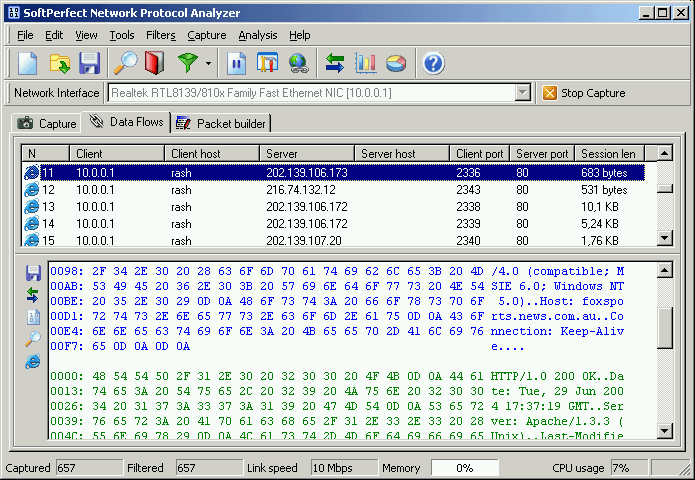
Below is the same data flows window in hexadecimal mode. The second image shows how you can build your own custom packet.
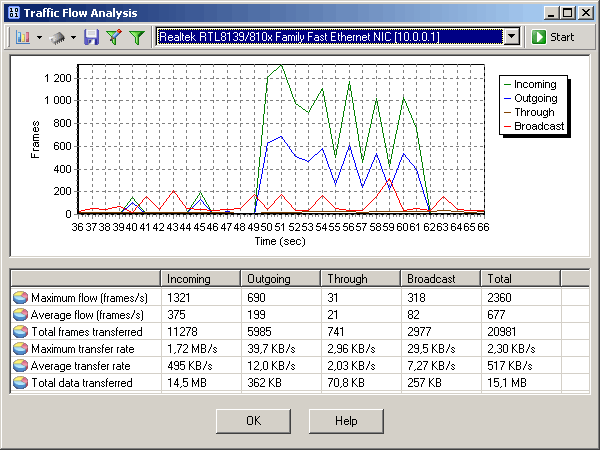
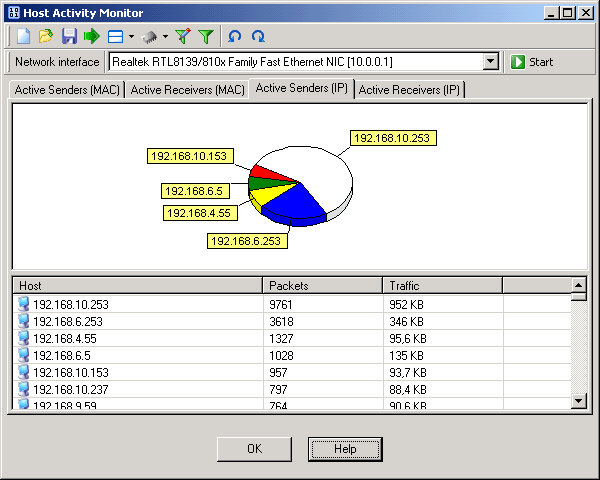
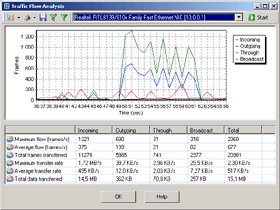
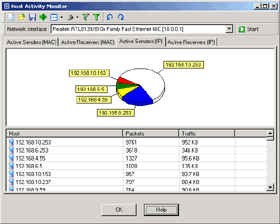
You can easily analyze the network data flow and most active hosts on the network.
|

 infos@axantech.com
 04.72.85.01.67